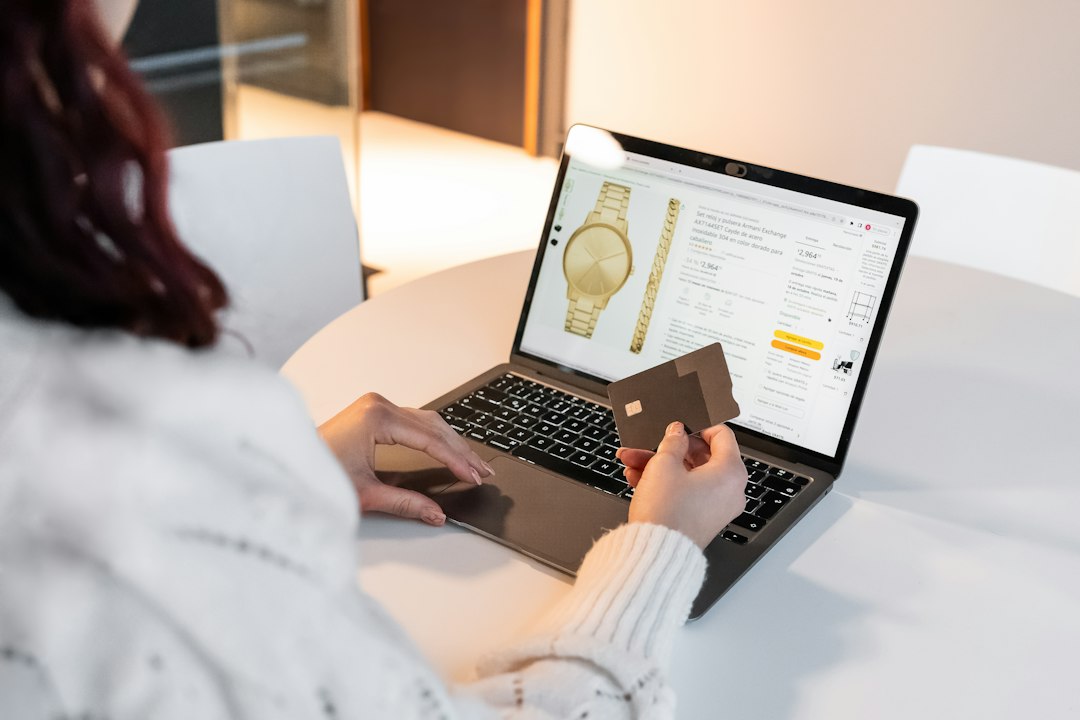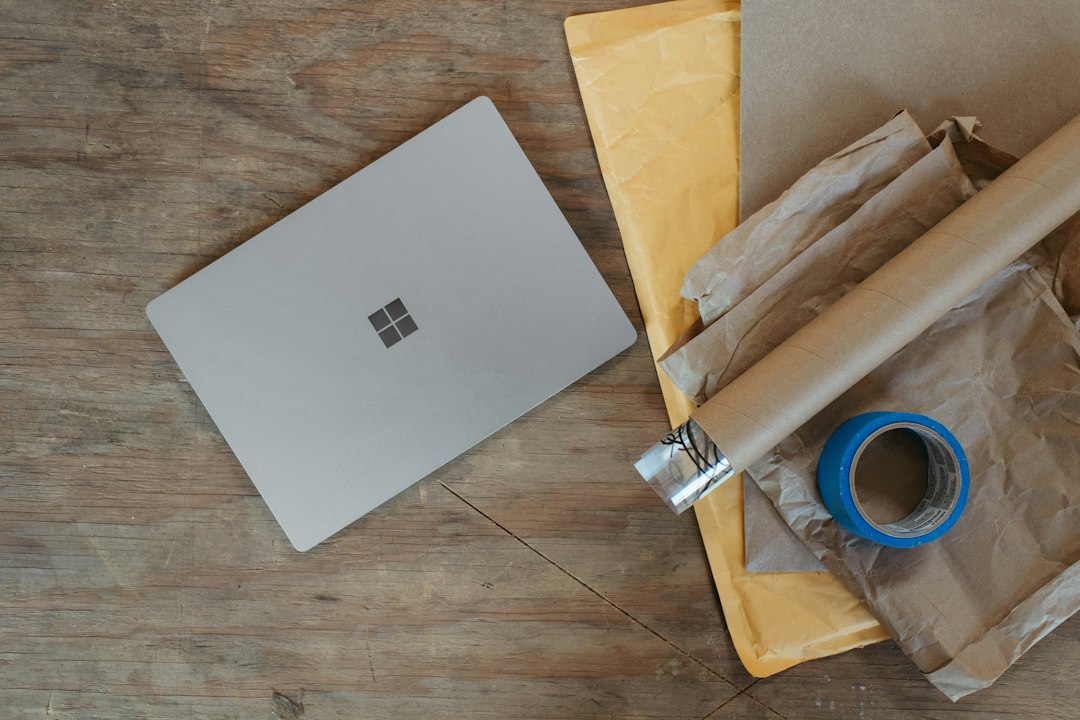
Upgrading your phone, laptop or console often leaves a perfectly good device sitting in a drawer. Learning how to sell used electronics on eBay turns that clutter into cash, and it is easier than many people think. The key is preparation: a clean, unlocked device, honest photos and a fair price. This checklist walks you through every step, from wiping your data to shipping the box.
Step 1: Prepare the Device
Back up and wipe your data
Before anything else, save your photos, files and messages, then do a full factory reset. A simple delete is not enough; only a proper reset removes your accounts and personal data. If you are selling a Xiaomi or Redmi phone, these Xiaomi phone guides walk through the exact reset steps.
Remove activation locks
Activation locks are the number one reason used electronics get returned. Before you reset:
- Apple devices: Turn off Find My and sign out of your Apple ID.
- Android phones and tablets: Remove your Google account and any manufacturer account.
- Smartwatches: Unpair the watch from your phone so the lock is released.
- Consoles and PCs: Deactivate the console as your primary device and sign out of your gaming accounts.
- Drones: Unbind the drone from your account in the manufacturer app.
Clean it and gather accessories
Wipe down screens and cases, clear dust from ports, and find the original charger, cables and box if you still have them. Complete sets tend to attract more buyers.
Step 2: Research the Right Price
Do not guess. On eBay, search for your exact model and storage size, then filter by Sold items. This shows what buyers actually paid recently, which is far more useful than asking prices on active listings. Compare items in the same condition and with similar accessories.
Next, decide on a format. Auctions can work for in-demand items, while Buy It Now with Best Offer gives you more control. Our comparison of eBay auction vs Buy It Now vs Best Offer explains when each option works best. Remember to factor in eBay’s selling fees and your shipping cost, which you can review in your seller account before you list.
Step 3: Take Honest, Clear Photos
Good photos sell electronics. Buyers want to see exactly what they are getting.
- Shoot in daylight or bright, even light on a plain background.
- Show the front, back, sides, ports and screen turned on.
- Photograph every scratch, dent or dead pixel up close.
- Include a shot of the settings screen showing model, storage and battery health where available.
- Show all included accessories together.
Step 4: Write a Listing That Builds Trust
Start the title with the brand and model, then add storage, color, carrier status and condition. Fill in every item specific eBay offers, since buyers filter by them.
In the description, be specific and honest. State what works, what does not, battery health if known, and what is included. Choose the condition category carefully; “used” and “for parts or not working” mean very different things. Buyers are increasingly cautious about scams, as we explain in how to spot fake eBay listings, so clear and transparent listings stand out.
| Listing element | What to include | Common mistake |
|---|---|---|
| Title | Brand, model, storage, color, unlocked or carrier | Vague titles like “phone works great” |
| Condition | Accurate grade plus notes on wear | Calling a scratched device “like new” |
| Photos | Real photos of your item, every angle | Using stock images only |
| Description | Functions tested, battery health, included items | Leaving out known defects |
| Shipping | Tracked service, handling time | Underestimating weight or box size |
Step 5: Ship It Safely
Electronics need careful packing. Use a sturdy box, wrap the device in bubble wrap, and fill empty space so nothing moves. Remove batteries from devices that allow it if the carrier requires it, and check your carrier’s rules for shipping lithium batteries. Always use a tracked service, and consider signature confirmation for expensive items. Ship within the handling time you promised.
Selling from Canada adds a few extras, such as currency and cross-border shipping. Our guide on using eBay from Canada covers prices, duties and shipping from the buyer’s side, which helps you set expectations.
Step 6: Handle Questions, Returns and Feedback
- Reply to buyer questions quickly and politely.
- Decide on your return policy before you list, and state it clearly.
- Keep your tracking number and photos of the packed item until the sale is complete.
- Never accept payment or communication outside eBay; it removes your protections.
- Leave feedback for buyers once the transaction is done.
Which Electronics Sell Best?
Popular, recent devices in good condition sell fastest: smartphones, tablets, laptops, game consoles, cameras and lenses, headphones, smartwatches and drones. Older devices can still sell, especially to buyers who repair or collect them, but price them realistically. Items marked for parts can attract repair shops if you describe the faults clearly.
FAQ: Selling Electronics on eBay
Should I sell my phone unlocked?
Unlocked phones generally appeal to more buyers. If your phone is tied to a carrier, ask your carrier about unlocking it before listing, and say clearly in the listing whether it is locked.
Is it safe to sell electronics on eBay?
It is generally safe if you keep everything on eBay, ship with tracking, document the item’s condition and never send items to an address outside the order.
How do I avoid returns for activation lock?
Sign out of all accounts and turn off device-finding features before the factory reset, then confirm the device boots to the setup screen without asking for an old account.
Do I need the original box?
No, but original boxes and accessories can make a listing more attractive and help the device travel safely.